
Pet Photo Guide | How to Choose the Best Photos for Your 3D Pet Portrait Keychain
A simple photo guide for your custom 3D pet portrait keychain. See which 1–5 photos to upload, examples of good and poor photos, and the four steps from upload to finished keepsake.
The Right Photos Make a Better 3D Portrait.
Start with one clear front-facing photo. Add other angles if available.
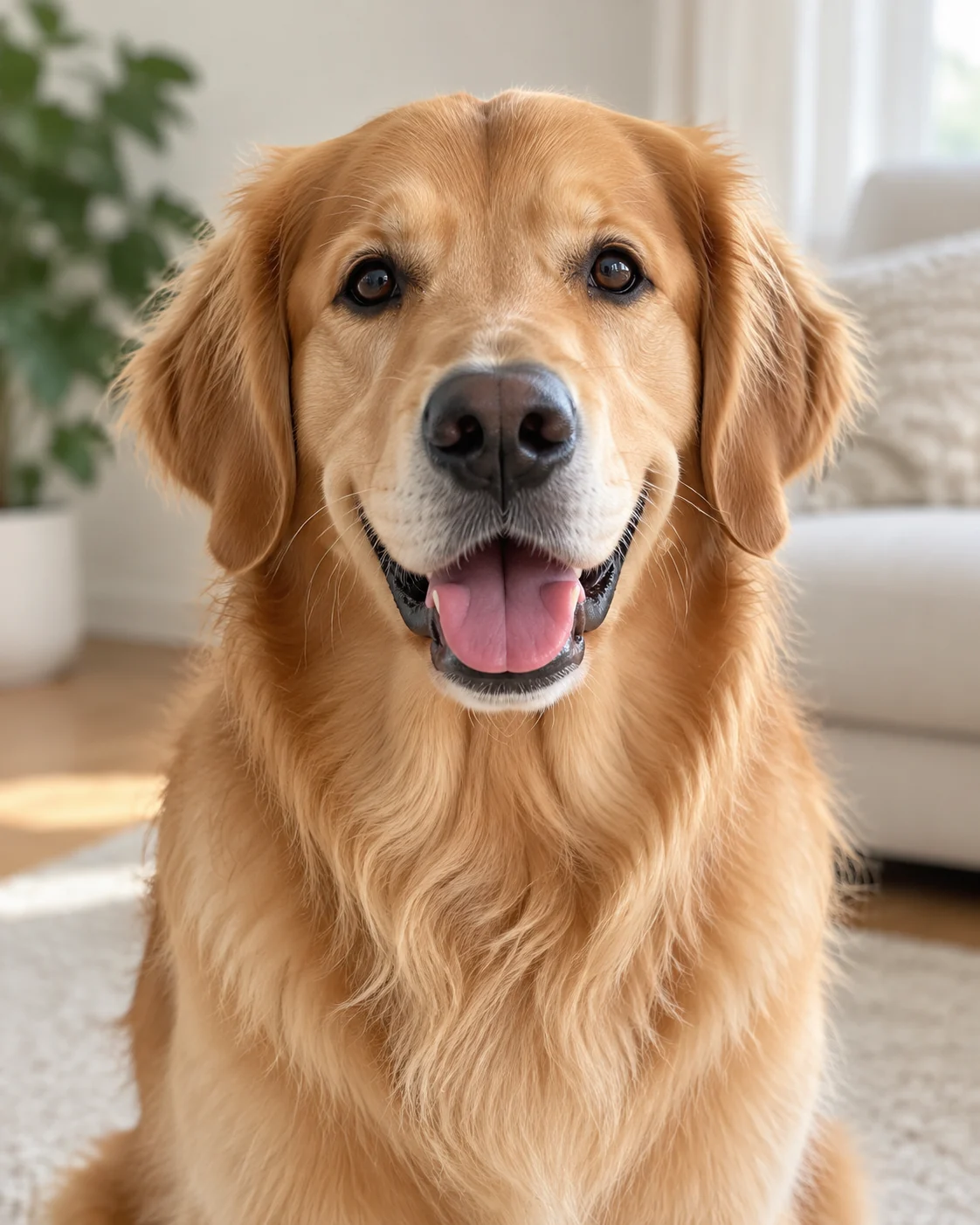
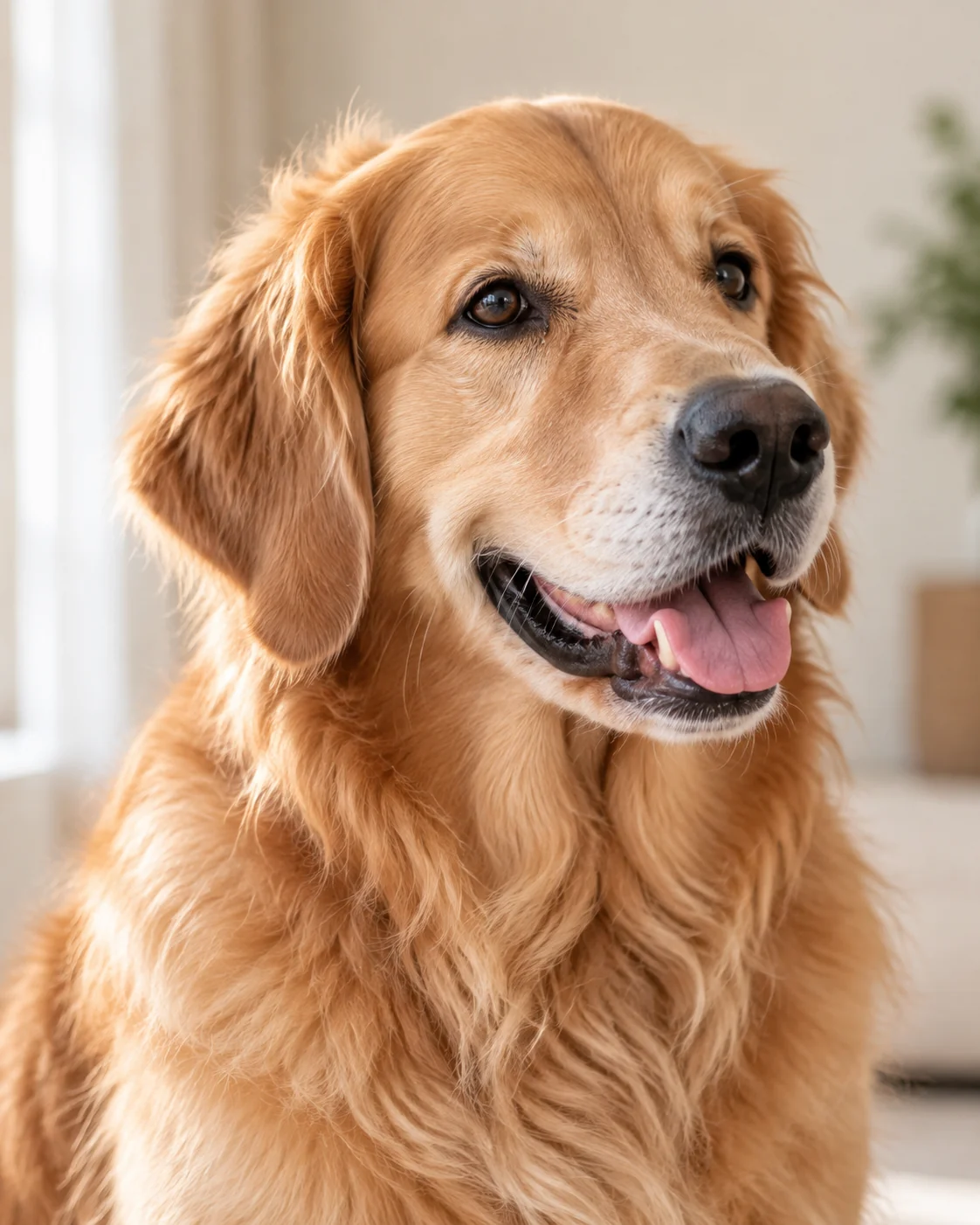
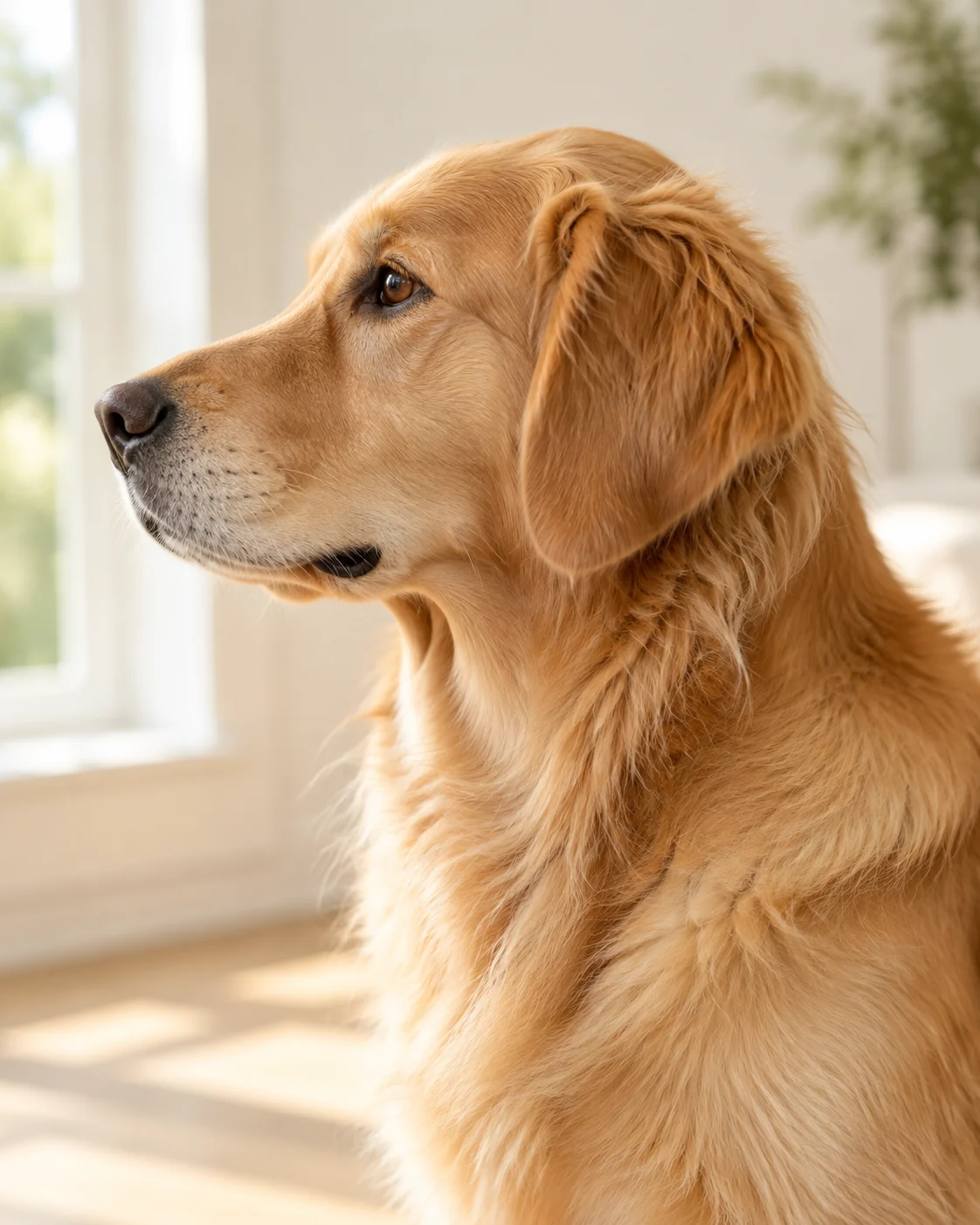
Choose a Photo With a Clear, Visible Face.
Good lighting and sharp details help us recreate your pet more accurately.
Both eyes, nose and facial details are clear. The face is bright, sharp and easy to see.
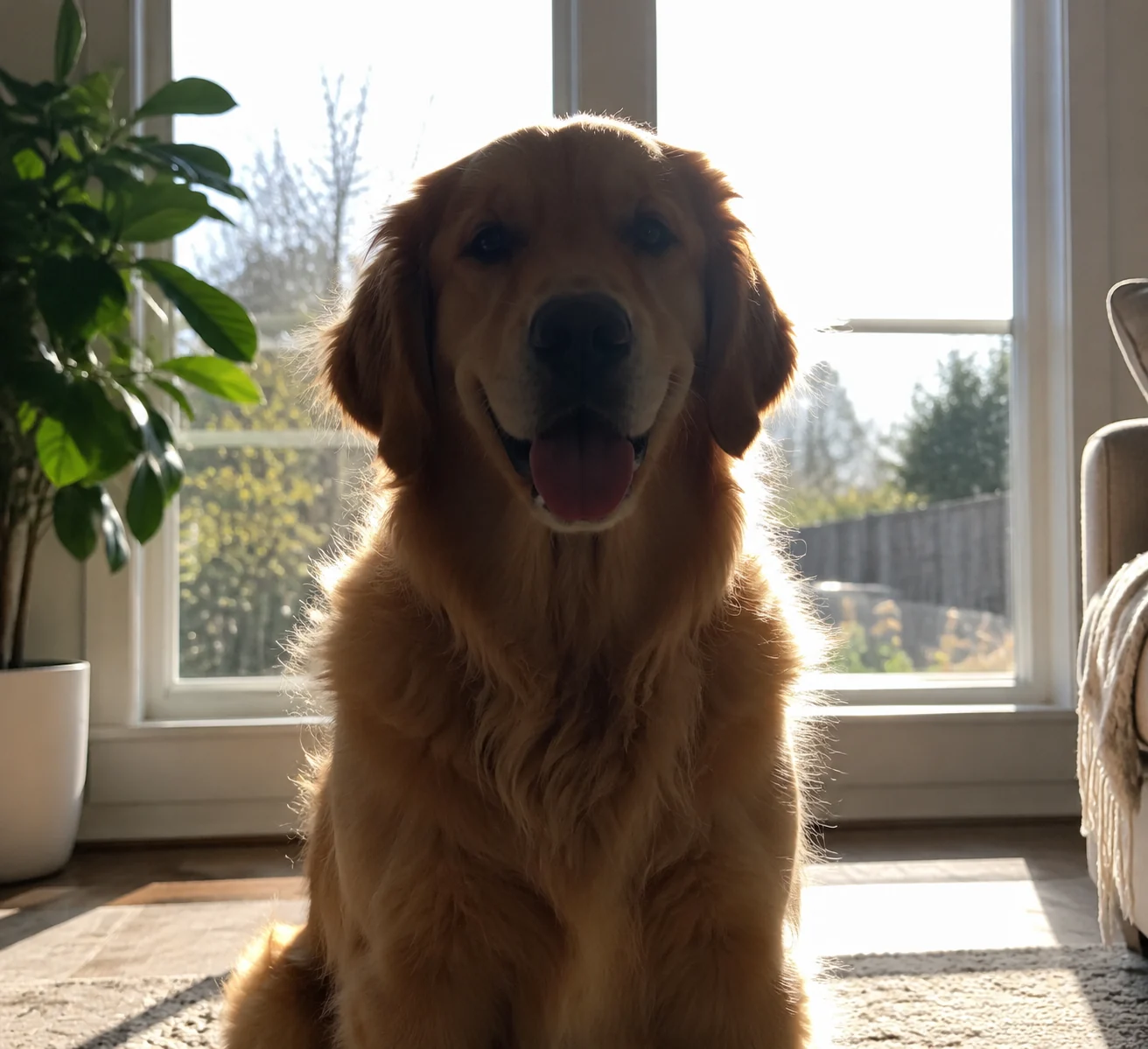
Backlighting hides facial details. Avoid dark, blurry or distant photos.
From Your Photos to Your Keepsake.
Four simple steps. You approve the 3D preview before production begins.
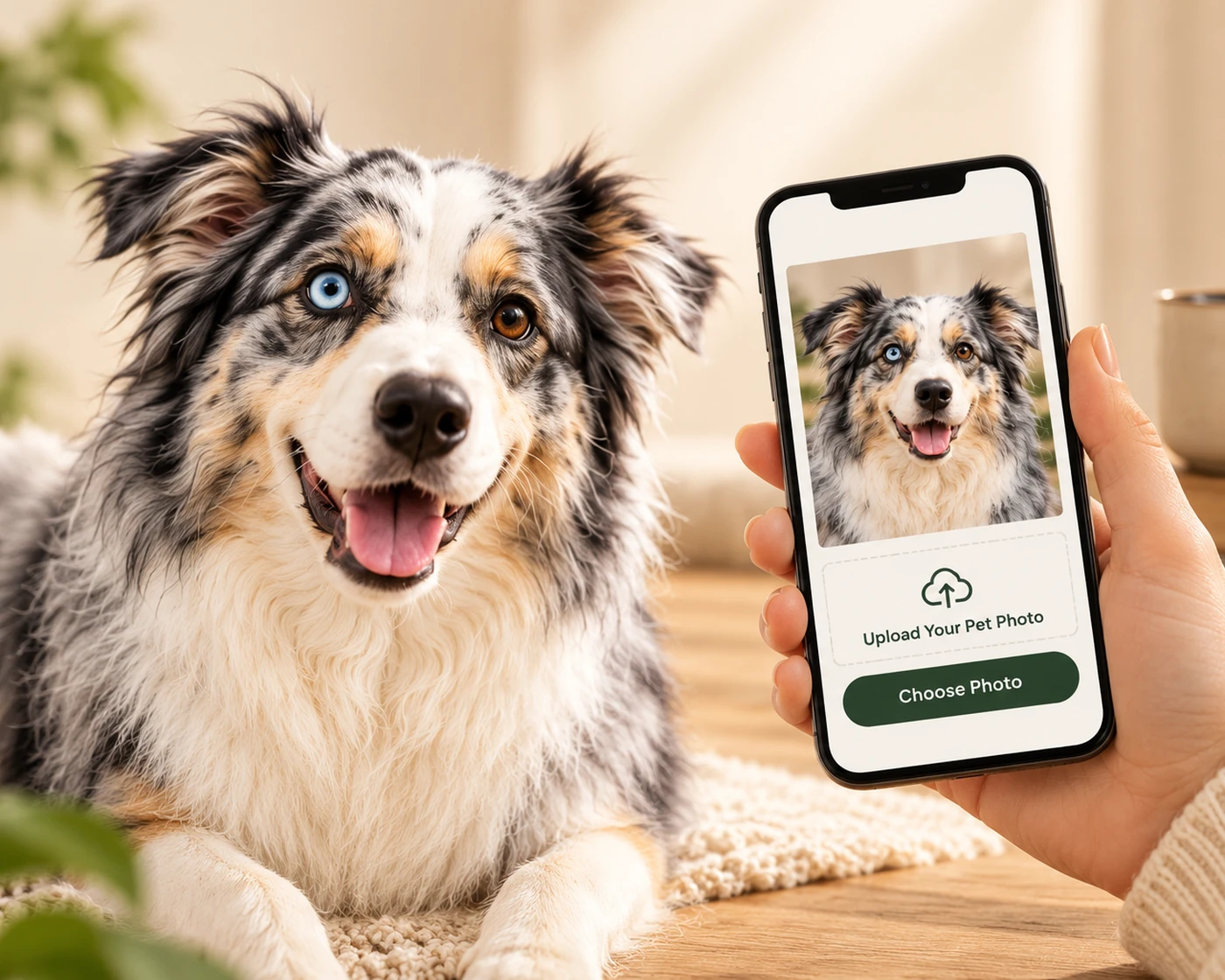
Upload Your Photos
Send us 1–5 clear photos of your pet.
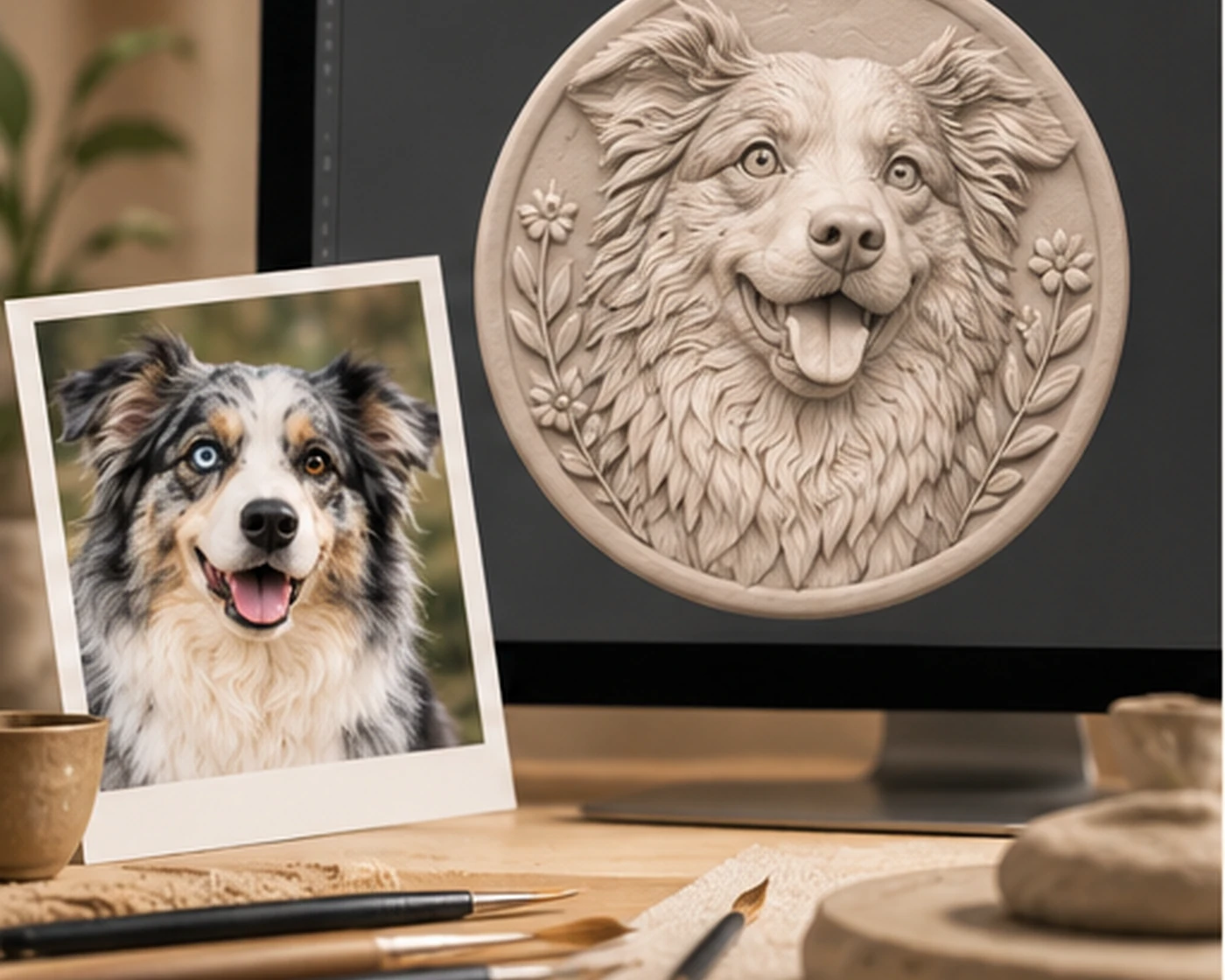
We Create Your 3D Preview
We turn your pet’s unique features into a personalized 3D design.
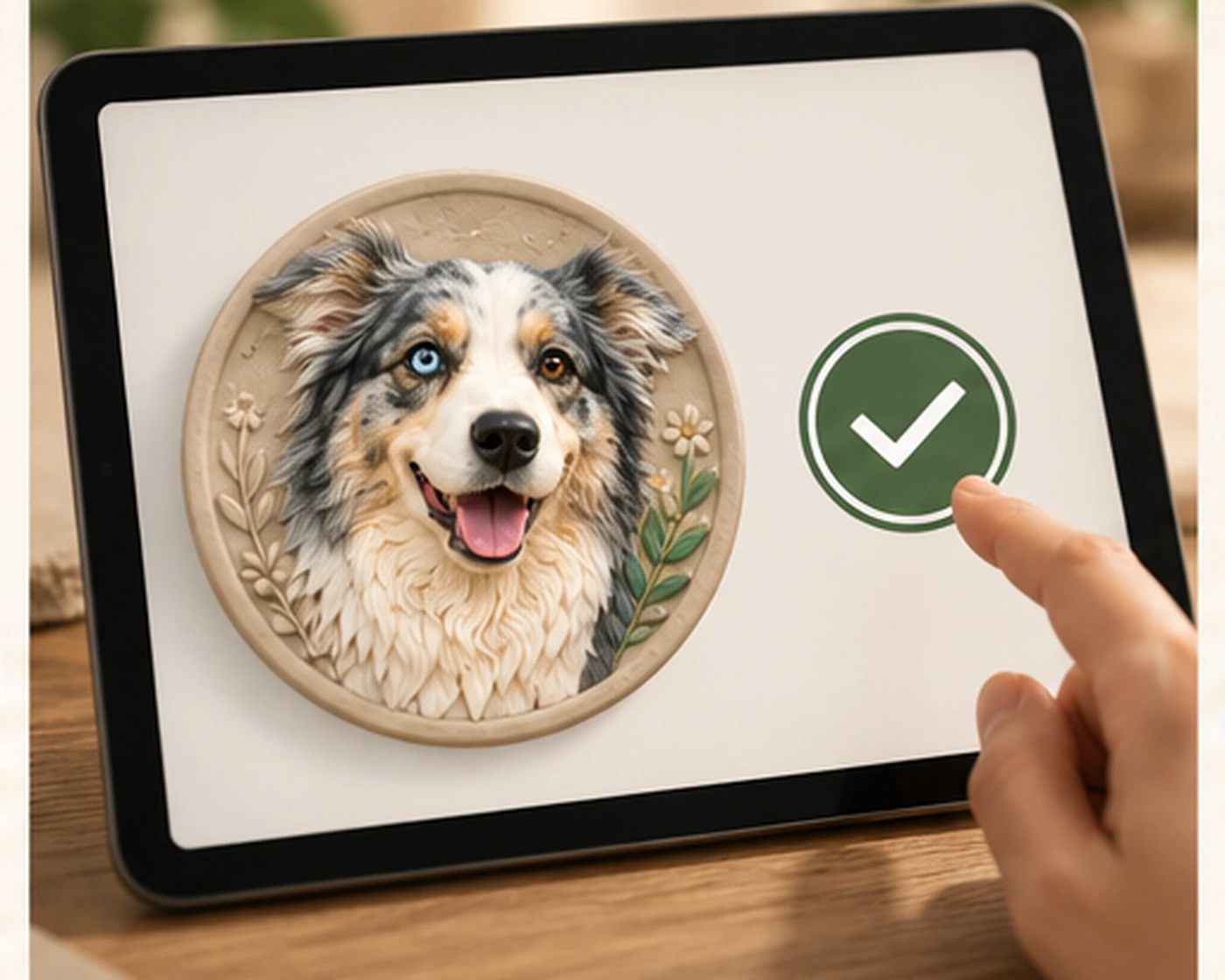
Review & Approve
Review your 3D preview and request changes if needed before production.
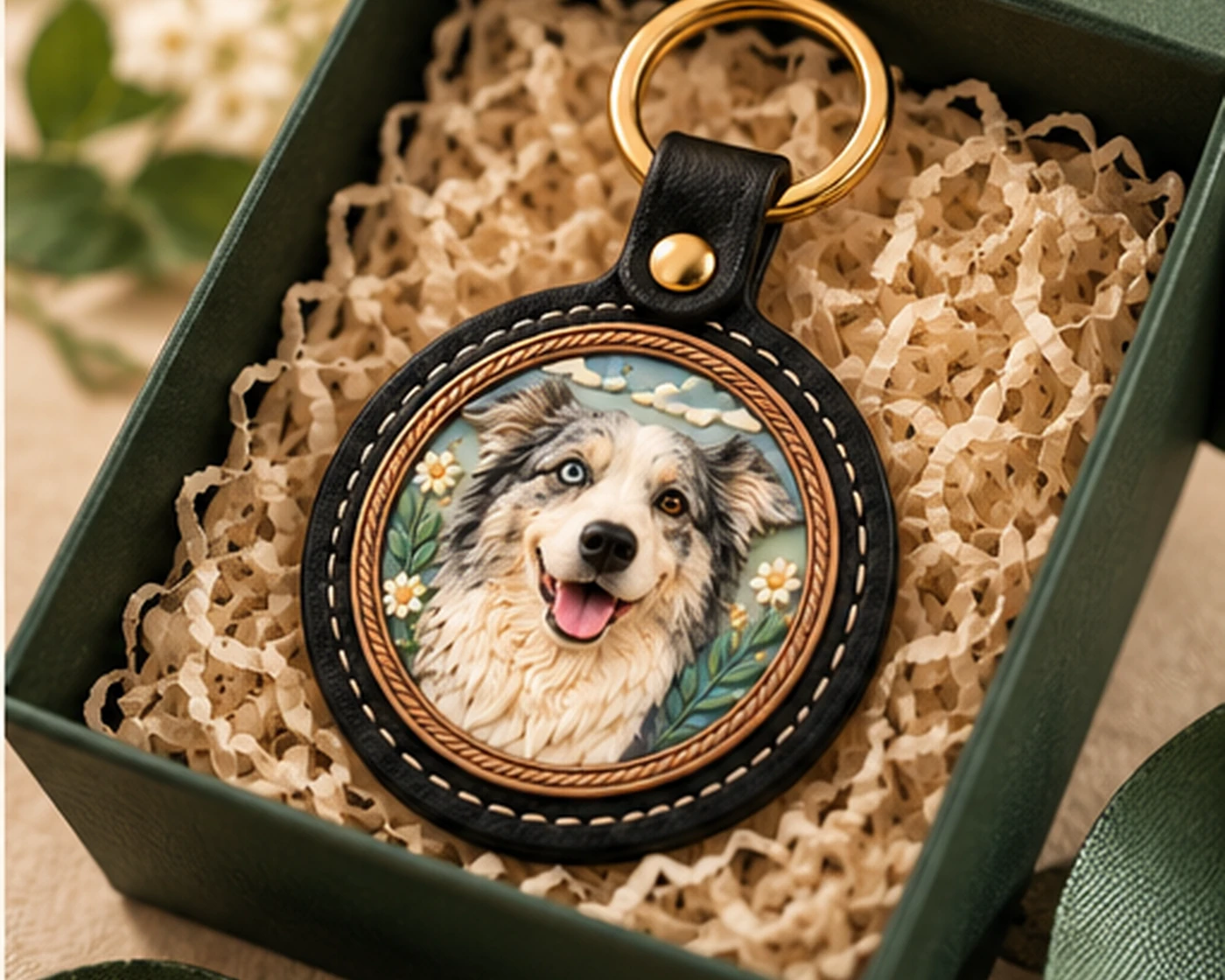
We Make Your Keepsake
After your approval, we create your personalized keychain and prepare it for delivery.
Still Have a Question?
How many photos do I need?
Send 1–5 photos. One clear front-facing photo is the best place to start. Extra angles help us capture more details.
Can I use a phone photo or an older photo?
Yes. Phone photos are welcome, and older photos are fine as long as your pet’s face and features are clear.
What if my photo is not clear enough?
We review your photos and will contact you if we need a clearer image before preparing your 3D preview.
Ready to Create Your Pet’s 3D Keepsake?
Choose your best photo and let’s bring your pet’s personality to life.